
Missed calls during treatment
The team is busy with patients, and new requests wait too long.
An AI receptionist that answers requests, qualifies patients, sends reminders and keeps every dental lead in one calm workspace.
A demonstration dental configuration of the existing booking interface: visits, dental staff and appointment types.
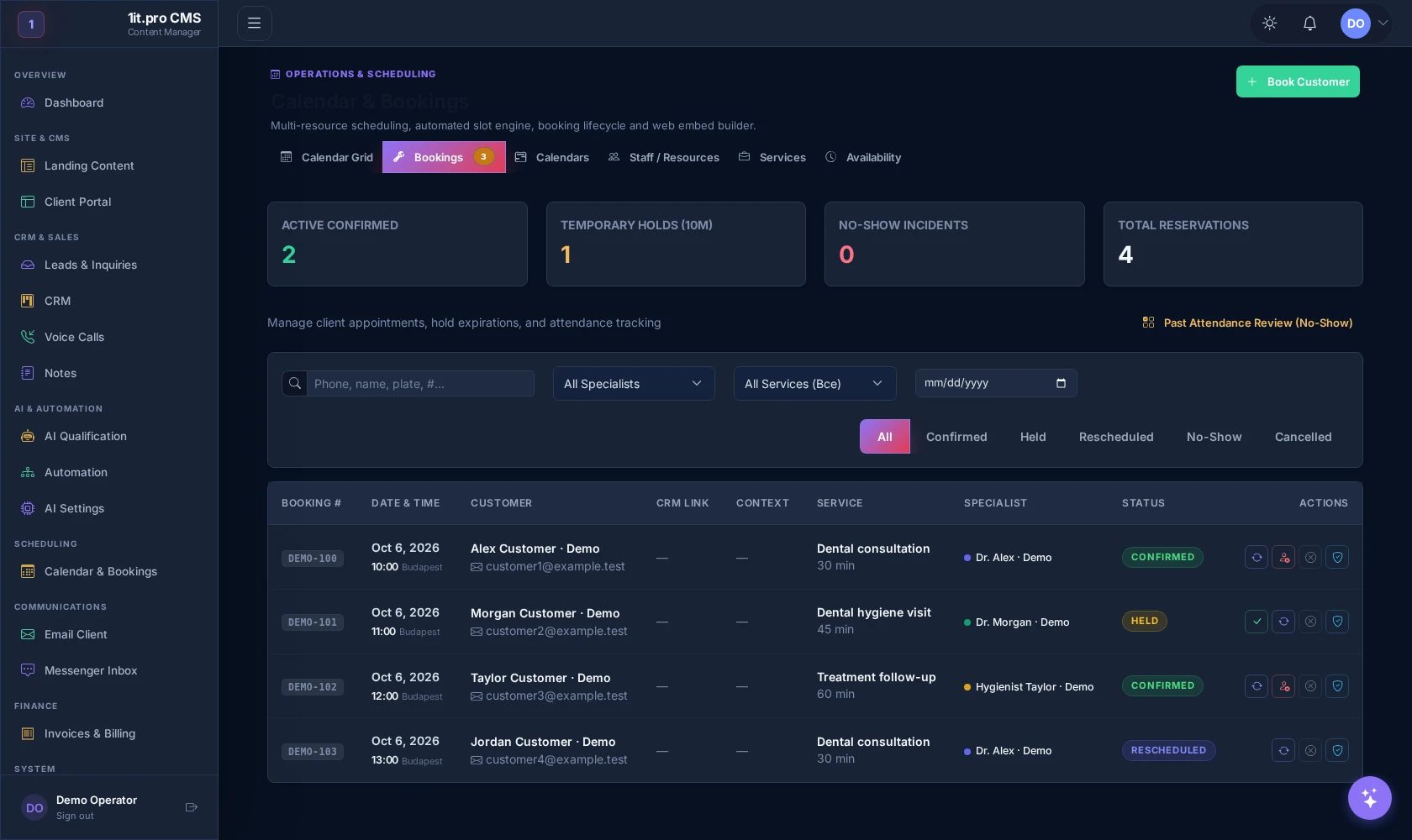
Existing scheduling interface configured with demonstration records. Names, services, durations and displayed prices are examples, not a service quotation. Live booking, reminders and message delivery are not demonstrated by this capture.
The team is busy with patients, and new requests wait too long.
Patients forget hygiene, control visits and treatment-plan follow-ups.
Reception copies details between calls, messengers, calendar and notes.
WhatsApp, phone, email and web forms do not create one reliable view.
Managers cannot quickly see who needs a reply, reminder or next step.
Patients choose the right service, specialist and time without calling twice.
The assistant replies, asks the first questions and hands over when a human is needed.
Visits, hygiene recalls and follow-ups are triggered before they become lost revenue.
Every request, status, comment and next step lives in one operational view.
No diagnosis promises, no unsafe shortcuts, clear consent and access based on each person’s responsibilities.
We install the CRM with the dentistry module, map the reception pipeline and connect every source to an owned next step.
A request comes from the landing page, phone follow-up, messenger or form.
FrontDesk AI helps with intake, booking and follow-up. It does not diagnose, prescribe or replace clinical judgement.
Consent, data purpose and access rules are explained calmly at the intake step.
Reception, managers and owners see only the operational area they need.
Clinical questions and edge cases are routed to staff instead of being answered automatically.
Requests, comments and status changes stay auditable inside the workspace.
Yes. The first setup can focus on one workflow: missed calls, online booking, reminders or treatment-plan follow-up.
Five questions. No long form before the value is clear.